

"The next scam from Bollino"/ Këlliçi: Not even a foreign passport can save you
The Political Leader of the Democratic Party for Tirana, B...


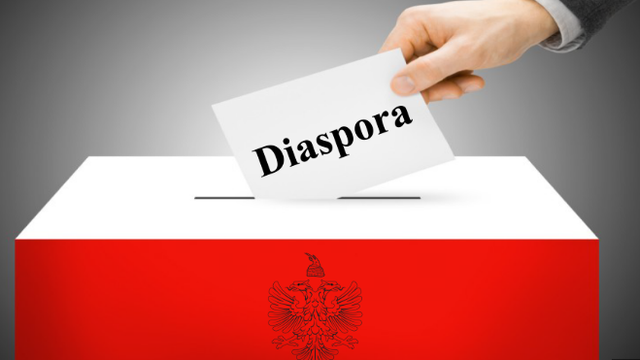
The Central Election Commission has published an important explanation for voters from abroad.
This information provides details on facilitating registration on the electronic registration platform.
It also shows the steps that need to be followed to successfully complete the procedure.
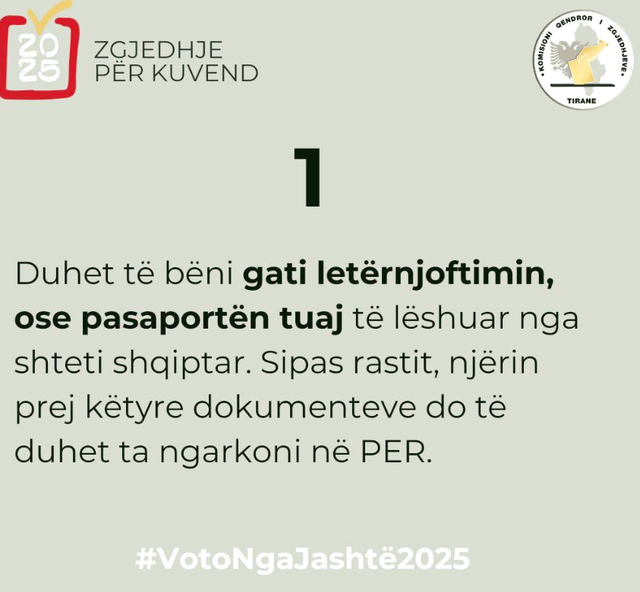
1. You must have your Albanian ID card or passport ready. If applicable, you will need to upload one of these documents to PER.
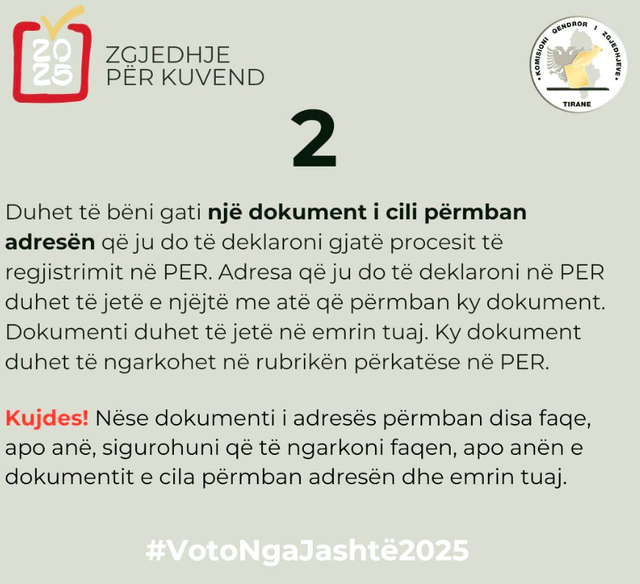
2. You must prepare a document containing the address that you will declare during the PER registration process. The address that you will declare in PER must be the same as the one contained in this document.
The document must be in your name. This document must be uploaded to the appropriate section in PER.
Caution! If the address document contains multiple pages or sides, make sure to upload the page or side of the document that contains your address and name.
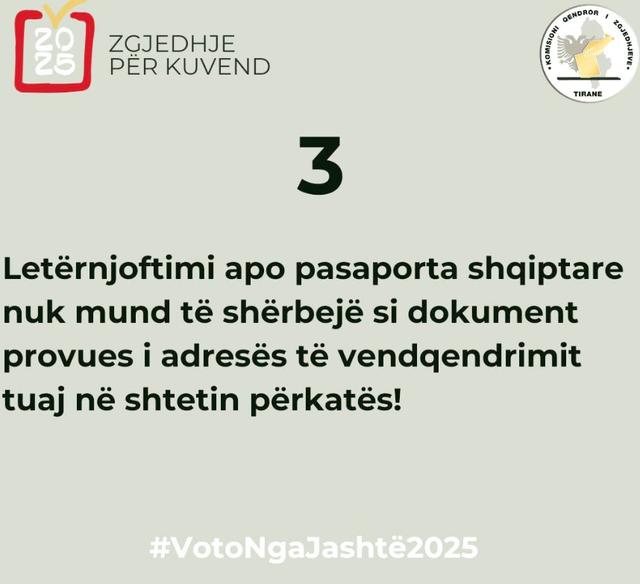
3. The Albanian ID card or passport cannot serve as a document proving your address of residence in the respective country!
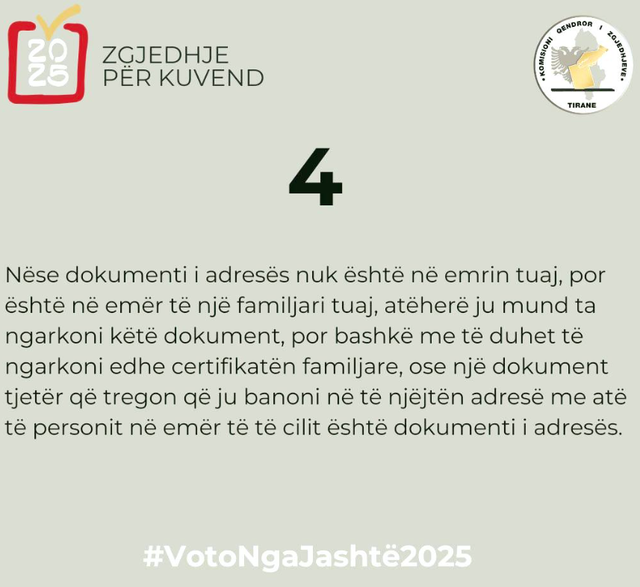
4. If the address document is not in your name, but is in the name of a family member, then you can upload this document, but along with it you must also upload the family certificate, or another document that shows that you reside at the same address as the person in whose name the address document is.
5. If you will be registering via the CEC application from your smartphone, make sure that this application can access the phone's camera.
6. Have a valid mobile phone number or email address. It doesn't matter which country the mobile phone number is from.
In the event that you upload an e-mail address in the PER and do not receive a response from the CEC, check your "Spam" or "Junk" folder.
For more information, before you begin registering on PER, consult the HELP section, which you will find as soon as you enter PER, on the top right-hand side of the PER home page. / CNA

The Political Leader of the Democratic Party for Tirana, B...
One of the most recent polls conducted for the Tirana dist...
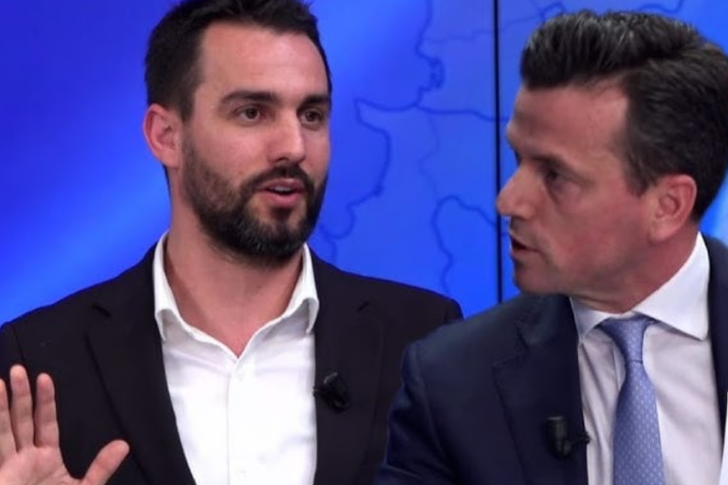
The leader of the "Mundësia" party, Agron Shehaj, has resp...
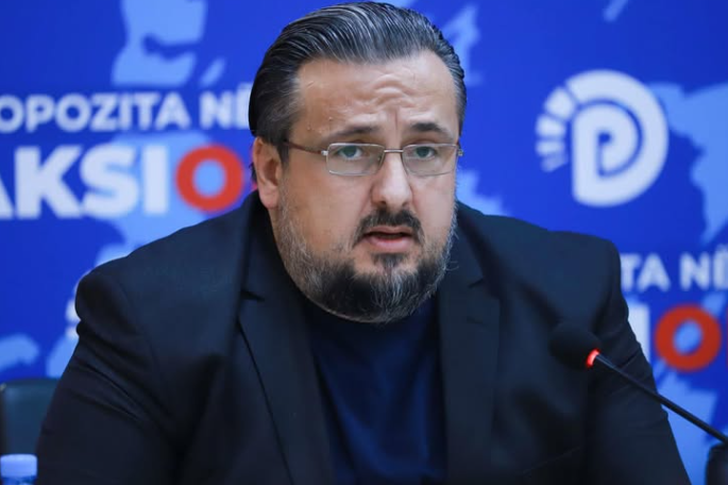
The coordinator of the economic program in the Democratic ...
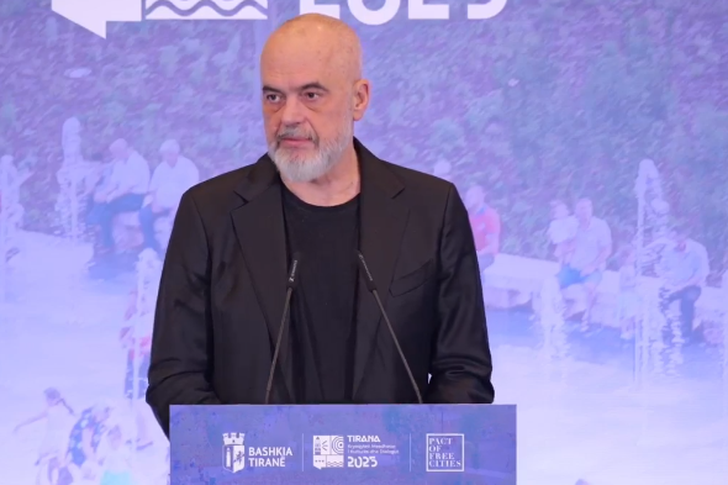
The "PACT OF FREE CITIES" summit is taking place in Tirana...
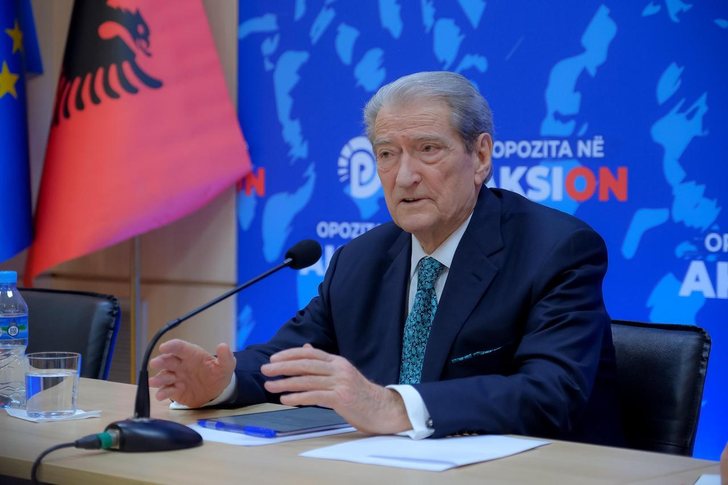
Former Prime Minister Sali Berisha has stated that the...

The leader of the Democratic Party, Sali Berisha, has deno...
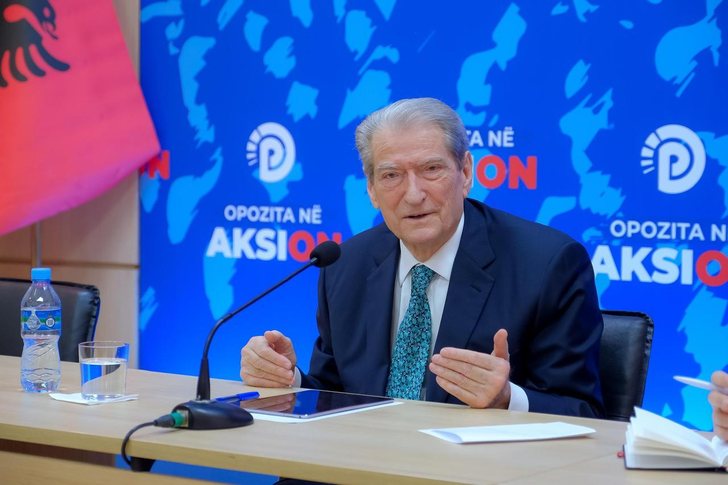
DP leader Sali Berisha has warned that the February 8 ...
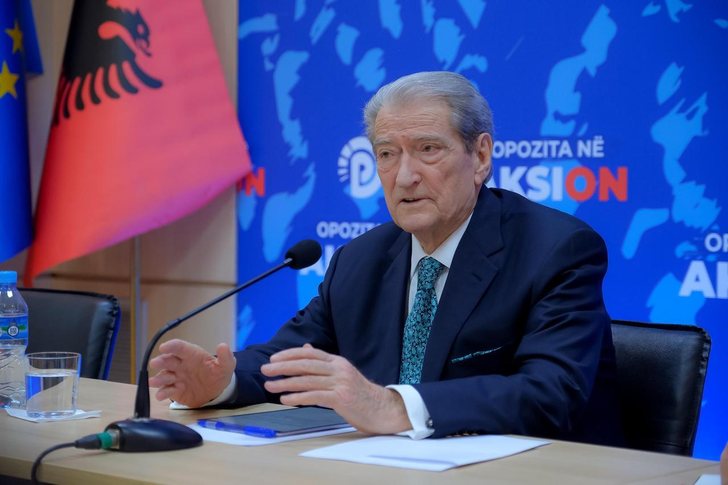
The leader of the Democratic Party, Sali Berisha, stated t...

The head of the Republican Party held a meeting with Senat...
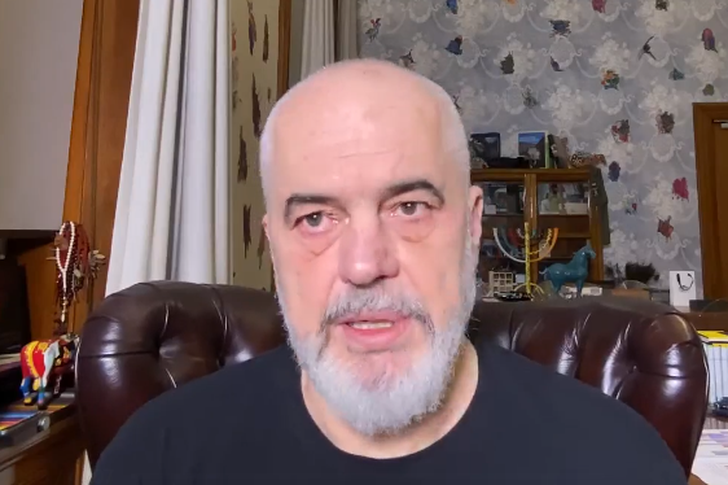
One of the commentators on social media raised concern...
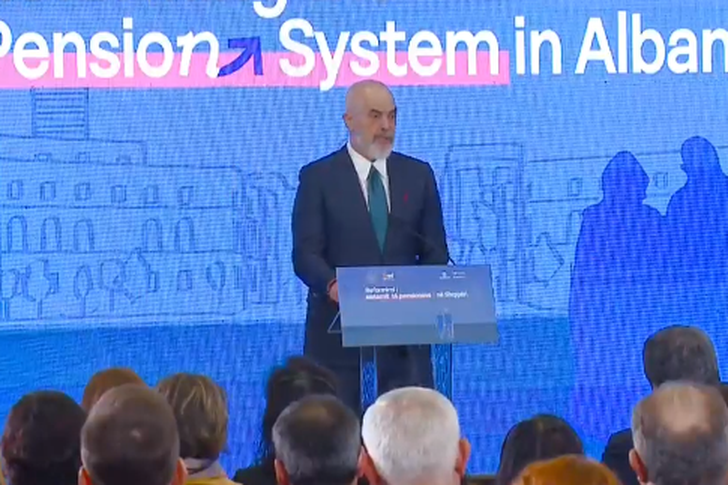
Prime Minister Edi Rama said today that bonuses for pensio...
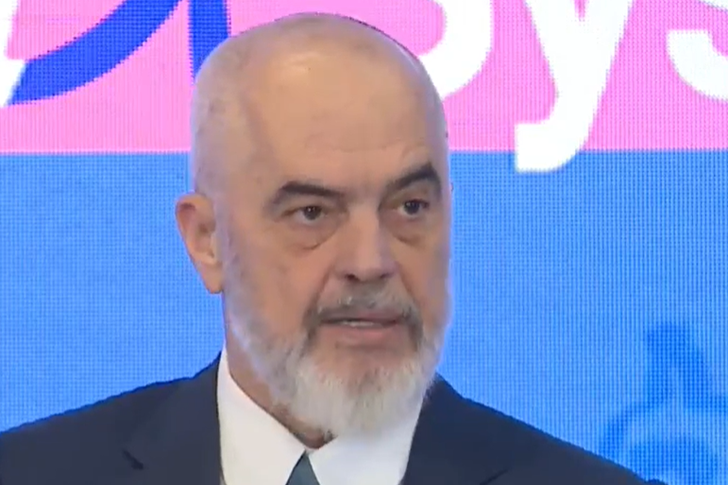
Prime Minister Edi Rama said that pensions are the har...

The International Conference on the reform of the pension ...
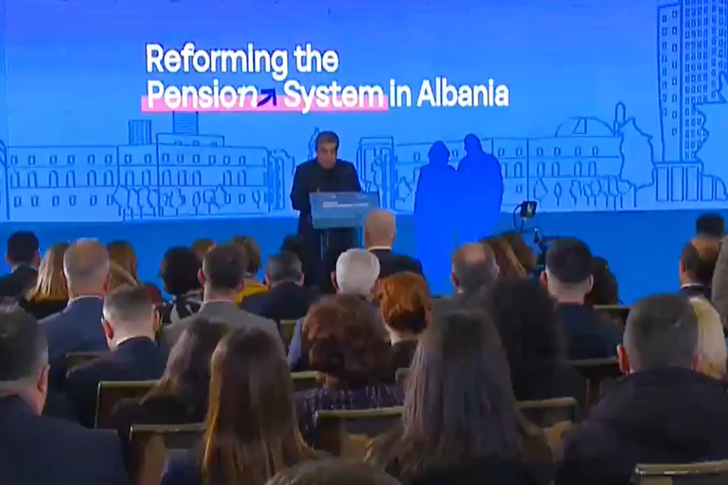
Minister with three portfolios, Blendi Gonxja, in his spee...
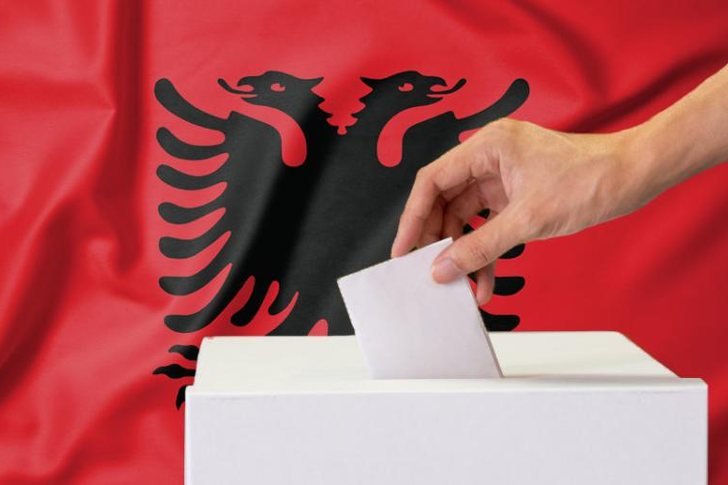
For the first time, immigrants will also vote in the parli...
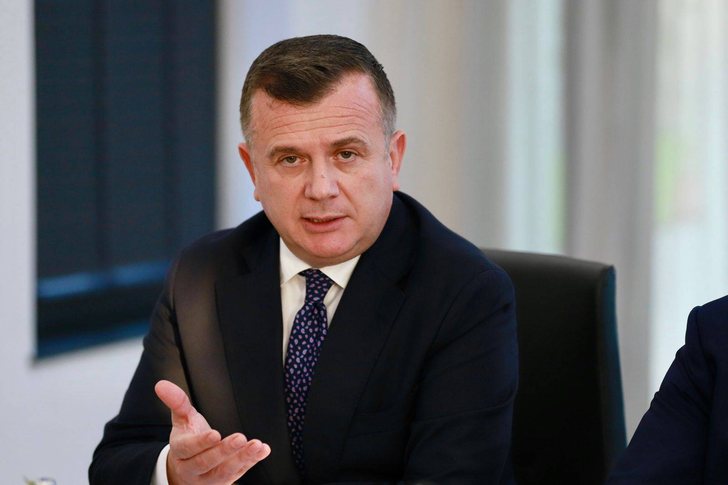
Minister of State for Parliamentary Relations and Leader o...
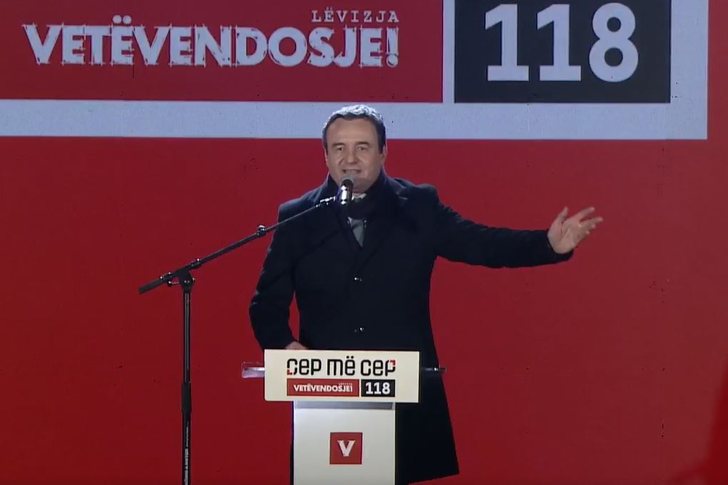
Kosovo Prime Minister Albin Kurti continued his electoral ...
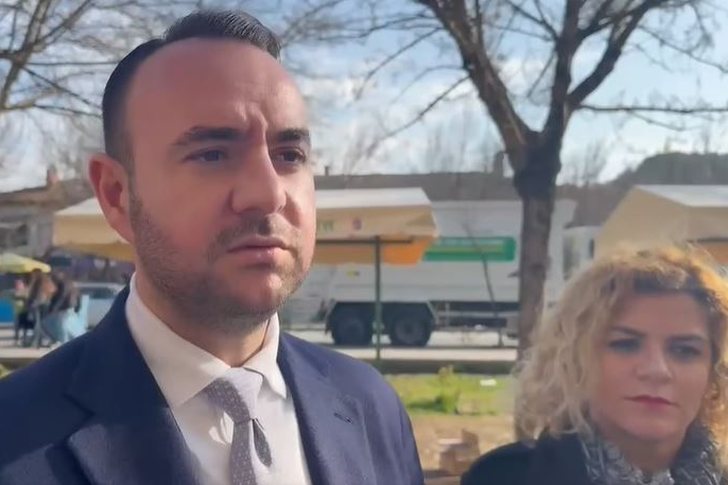
The DP coordinator in Tirana, Klevis Balliu, together with...
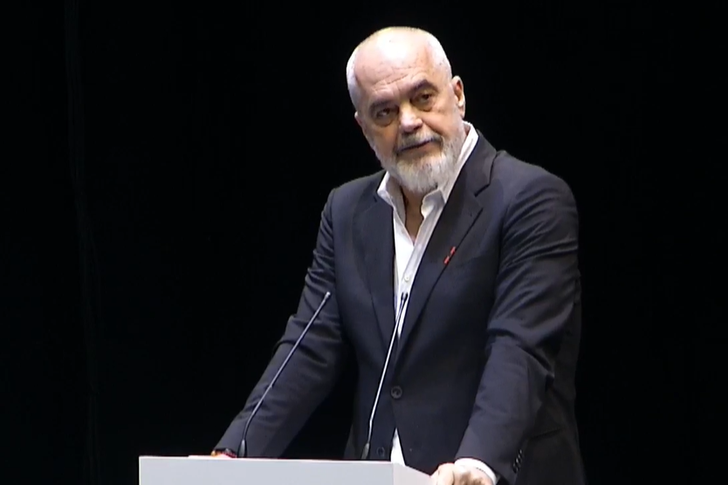
Prime Minister Edi Rama often beats his chest, declaring t...

CNA has launched another investigation that could lead to ...

Irfan Hysenbelliu is a businessman that we call "Irfan the...
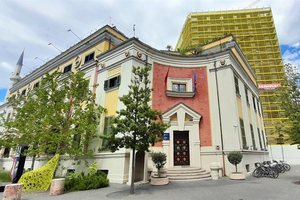
In March 2026, CNA launched another investigation centered...
The arrested mayor of Tirana, Erion Veliaj, with 13 charge...

The Special Board of Appeal (KPA) decided this Monday ...
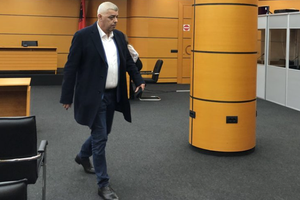
The KPA vetting decided this Thursday to dismiss the p...

Suela Salavaçi, a prosecutor in the Prosecutor's Offic...
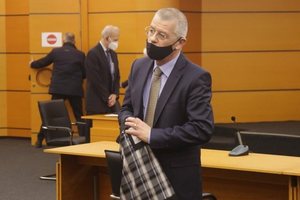
The Special Board of Appeal reinstated the prosecutor ...

Footage emerges from the serious accident that occurred th...

A Shkodra traffic police officer was hit with hard objects...
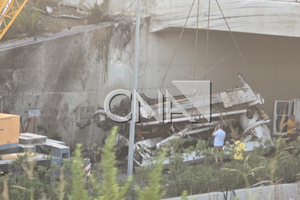
This Wednesday, around 4:00 PM, a serious accident occurre...

Tirana Police have shared details regarding the accident t...
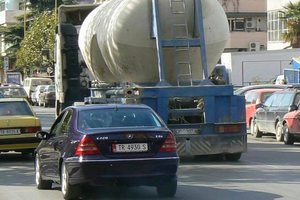
A serious accident that occurred this Wednesday with the c...

The Institute of Geosciences has shared a forecast for wea...
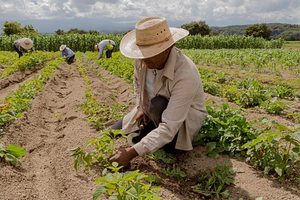
Rising energy and fertilizer prices are expected to contin...
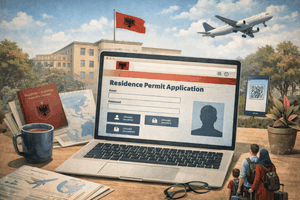
Over 18,000 foreign citizens from 140 countries have appli...

The trial of ousted Venezuelan President Nicolas Maduro on...

US President Donald Trump has issued another warning to Ir...

Prime Minister Andy Burnham has announced that most bus fa...

France's parliament has passed a law to ban social media f...
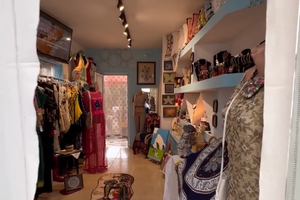
At a time when industrial products are increasingly taking...

Trust among people is not just a three-syllable word. It c...
Master of humor Todi Llupi has passed away at the age of 7...
The ninth edition of "MIK Festival" kicked off with one of...
The price of diesel reached 206 lek per liter from 198 lek...

Businesses will no longer be required to simply register t...

Despite economic growth and income in recent years, Albani...

This Wednesday, one US dollar is bought for 81.4 lek and s...