

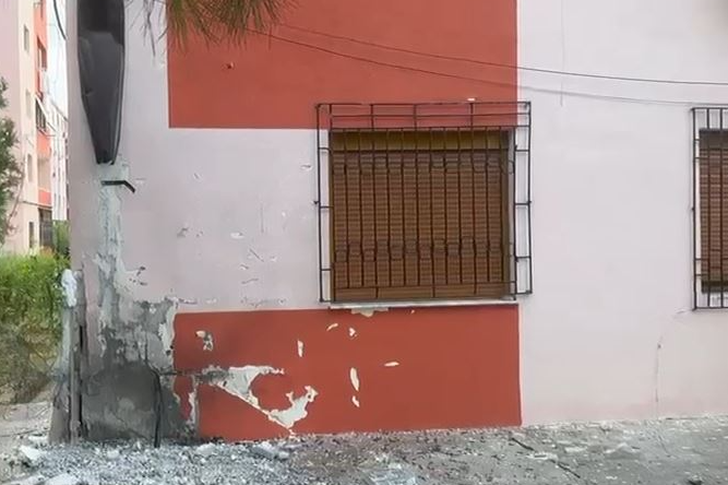
TNT Night/ Within 24 hours, residents of Lushnja and Fushë Krujë are terrorized by powerful explosions
In 24 hours, the country has been shaken by powerful TNT e...


From today, vehicle users will pay their annual tax online through e-Albania.
The electronic service enables the online publication and payment of the Annual Used Vehicle Tax (TVMP) and luxury vehicles owned by citizens and businesses.
No accompanying documentation is required for this service. The procedure will be carried out by selecting the “Payment of annual tax on used vehicles/luxury vehicles” service in e-Albania. The payment will be made in the banking application downloaded to the phone. To download the tax stamp, click on the “Download Tax Stamp” button. The stamp will be sent to the “My Documents” section in your account on the e-Albania portal.
By providing this service, Prime Minister Edi Rama announced that citizens will save 57.9 million lek, 11,501 working days and 4.7 million km of traveled roads.
Procedure in e-albania for paying the annual tax on used vehicles/luxury vehicles
This electronic service enables the online publication and payment of vehicle taxes owned by citizens and businesses based on Law No. 9975, dated 28.07.2008, "On National Taxes", as amended.
Required documentation
No accompanying documentation is required for this service.
Procedure steps:
– Log in as a citizen or business on the e-Albania portal; – Select the service “Payment of annual tax on used vehicles/luxury vehicles”;
– Click the “Use” button to view the vehicles you have available and select the vehicle for which you want to view the relevant taxes by clicking the “Select” button;
– In case you have unpaid taxes, select the relevant year and click the “Calculate” button to see their value; – Click the “Pay” option in order to continue with the payment method through the banking channel and in the next steps select the bank from which you will make the payment. (Currently, the National Commercial Bank is connected);
-Continue following the instructions until the payment order is finalized;
-Then you should proceed with making the payment in the banking application downloaded to your phone; The payment order is valid for payment until 24:00 of the same day.; – To download the tax stamp, click the “Download Tax Stamp” button. The stamp will be sent to the “My Documents” section in your account on the e-Albania portal. Attention: Only in the case of paying the tax for the current year will the “Annual tax stamp for used vehicles/luxury vehicles” be downloaded. Note: In the case where the service displays: “No data!”, the reasons for not displaying the data are:
There are no registered vehicles owned by the citizen or business;
There are cases when there are registered vehicles owned by a citizen or business, but the owner's Identification Number (NID) is not recorded in the owner's records;
– You have not completed the ownership change procedure referring to a document of acquisition of ownership. In these cases, please contact the Regional Directorates of Road Transport Services to complete your data in the electronic register of the DPSHTRR.
The required time to receive the service is immediate.
The validity period is 1 year/ Monitor

In 24 hours, the country has been shaken by powerful TNT e...
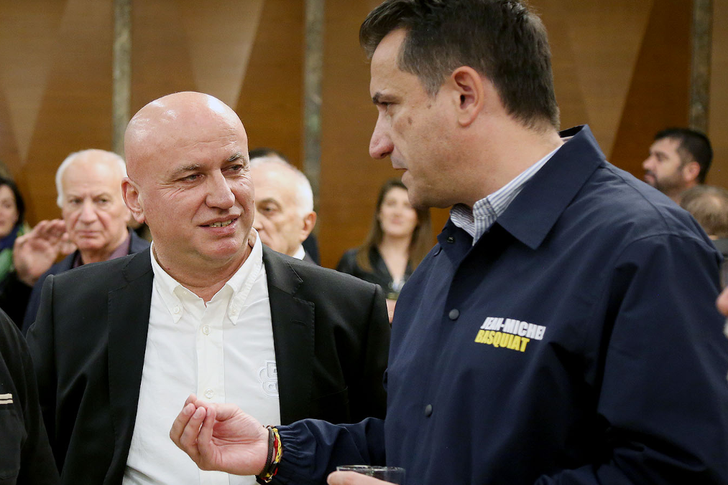
A full 44 days have passed since Erion Veliaj and Mero Baz...
The second round of university applications has ended toda...
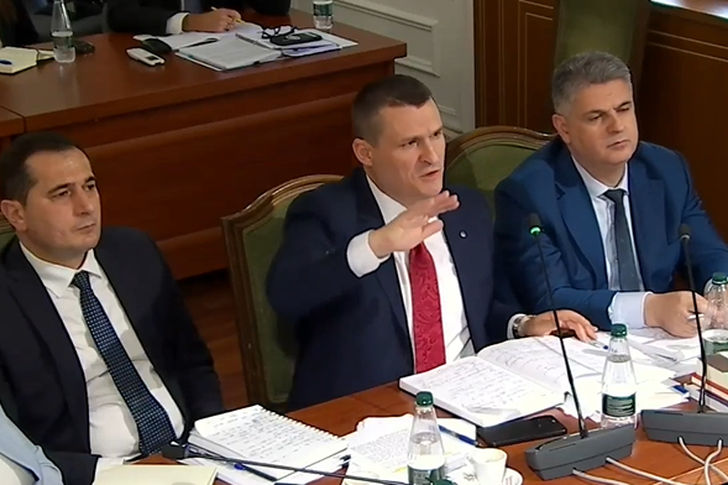
On October 14, at the joint meeting of the Committee on Le...

Dorina Toçi has been elected director of the Institute of ...
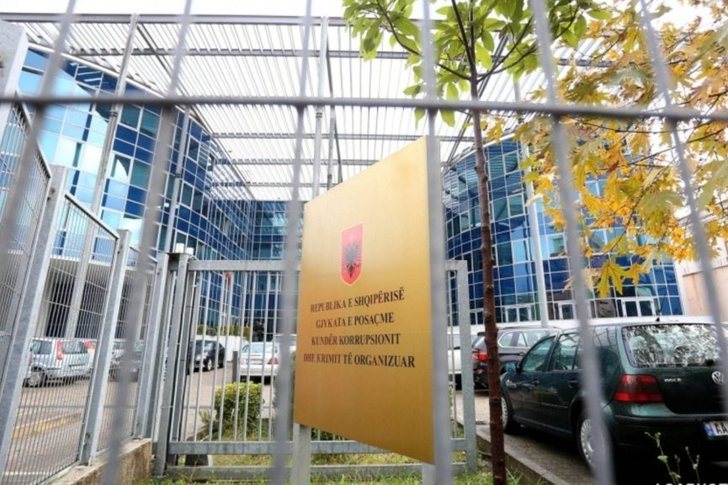
The appeal of the GJKKO has left the former IMT inspector,...
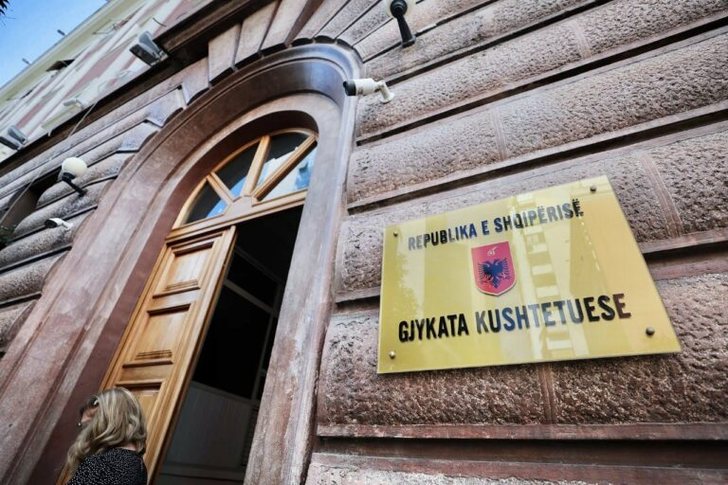
Asim Vokshi has been elected a member of the Constitutiona...
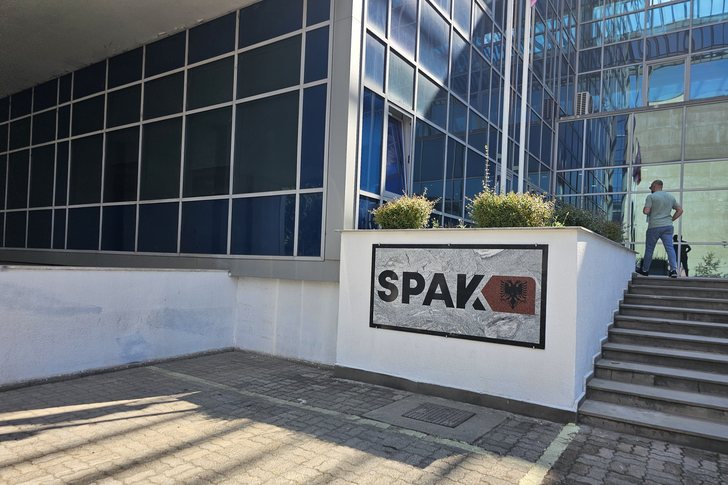
The Special Prosecution Office indicts the former mayor of...
Today the Supreme Court will elect the head of the Constit...

Earthquake tremors were felt in Albania this Tuesday morni...

A quantity of explosive material exploded on the first flo...
Prime Minister Edi Rama has announced that starting today,...

This Tuesday we are introducing you to some of the main he...
The sources of economic growth are running out and are cur...

The news that Albania created a ministerial post for Artif...
Journalist Artan Hoxha, in a television appearance on the ...
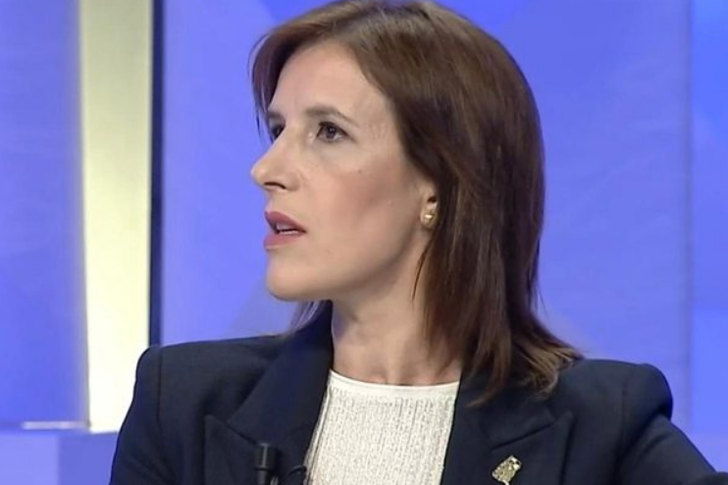
Journalist Klodiana Lala, in a television appearance, prov...
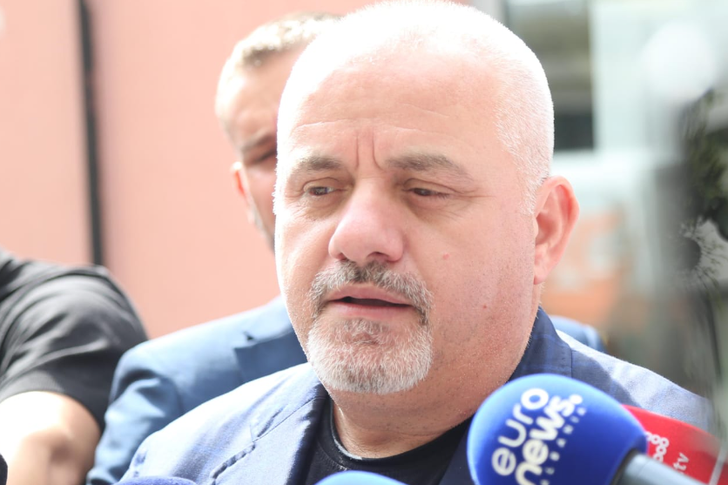
Journalist Artan Hoxha, in a television appearance, spoke ...

Journalist Klodiana Lala spoke in a television appearance ...
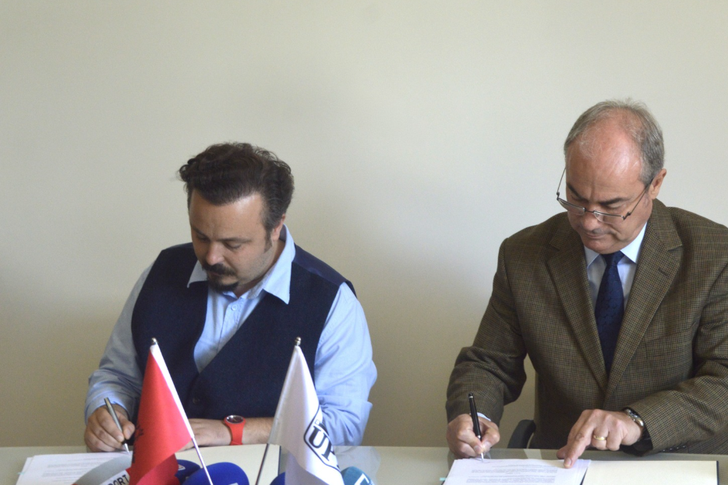
This Monday, a cooperation protocol was signed by Eljan Ta...

CNA has launched another investigation that could lead to ...

Irfan Hysenbelliu is a businessman that we call "Irfan the...
In March 2026, CNA launched another investigation centered...
The arrested mayor of Tirana, Erion Veliaj, with 13 charge...

The Special Board of Appeal (KPA) decided this Monday ...
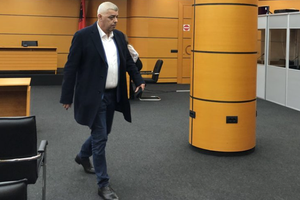
The KPA vetting decided this Thursday to dismiss the p...

Suela Salavaçi, a prosecutor in the Prosecutor's Offic...

The Special Board of Appeal reinstated the prosecutor ...
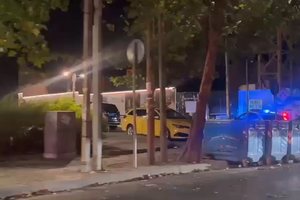
A road accident occurred this evening on Nikolla Zoraqi St...

Three people were shot and wounded in Elbasan last night b...

A serious incident occurred this Tuesday in the Yrshek are...

An accident occurred this Tuesday on "Dituria" street in K...
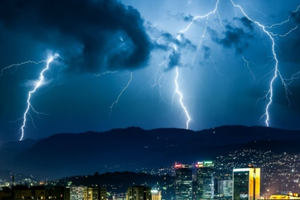
All of Southern Europe will face changing weather conditio...
Albania was hit by temperatures significantly higher than ...

For the first time, Pogradec welcomed the Inter-Lake Chess...
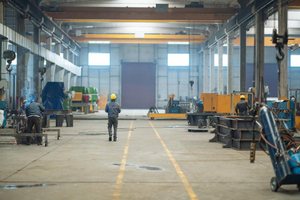
Albania has achieved a record for the employment of foreig...

US Secretary of State Marco Rubio arrived in Manila on Jul...

In the space of a few days, Ukrainian President Volodymyr ...
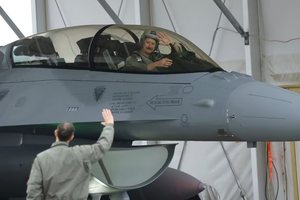
The spokesman for the Iranian Foreign Ministry warned Bulg...
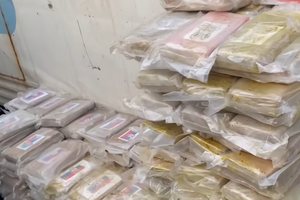
Autoritetet italiane sekuestruan pako me afër 800 kilogram...
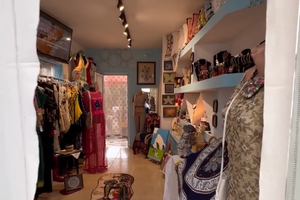
At a time when industrial products are increasingly taking...

Trust among people is not just a three-syllable word. It c...

Master of humor Todi Llupi has passed away at the age of 7...
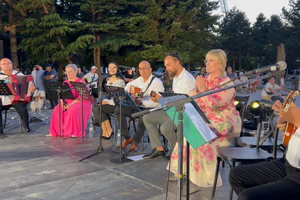
The ninth edition of "MIK Festival" kicked off with one of...
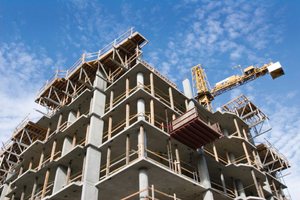
Construction company licenses will have a validity period ...
The Centralized Purchasing Operator recently opened a tend...
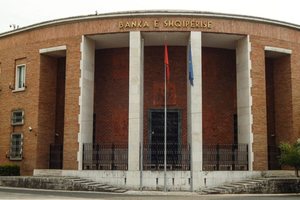
The new draft law "On the Bank of Albania" provides that t...

This Tuesday, one US dollar is bought for 81.2 lek and sol...