


“Disney” përballë “Netflix”/ Shton abonentë, por paralajmëron për humbjen e kriketit
“Disney” do të nisë një shërbim të ri transmetimi të m...


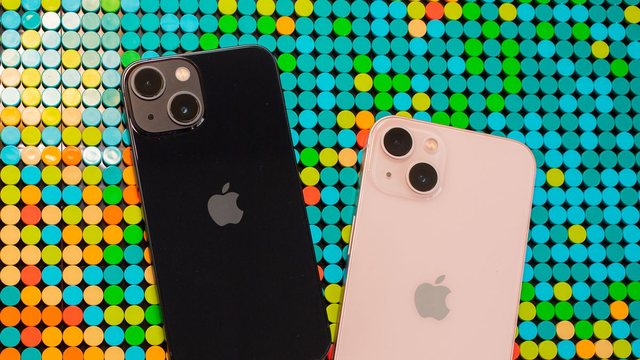
Almost all of us have accidentally deleted a message that we shouldn't have or need a conversation that we no longer have on our phone.
But there is a way to recover deleted messages on iPhone.
First of all, anyone should be warned that restoring a backup to your phone means you will lose any new data you have on your phone after doing so. So you need to make sure that these deleted messages are worth it.
First, to recover deleted messages, iPhone users need to enable iCloud and iCloud Backup.
Kjo mund të bëhet me disa hapa:
• Aktivizoni iCloud Drive duke shkuar te Cilësimet.
• Më pas, zgjidhni Apple ID- në tuaj .
• Pas kësaj, klikoni mbi iCloud .
• Së fundmi, aktivizoni iCloud Drive .
Pas kësaj, duhet të aktivizoni iCloud Backup.
Mos harroni, kur hyni në një kopje rezervë, ju rivendosni iPhone-n tuaj në cilësimet e vjetra. Kjo mund të çojë në disa probleme. Nëse jeni të gatshëm ta rrezikoni, ndiqni këto hapa për të parë nëse keni në dispozicion një kopje rezervë:
• Shkoni tek Cilësimet.
• Zgjidhni Apple ID-në tuaj.
• Klikoni iCloud; Menaxho hapësirën ruajtëse; Rezervimet .
Më pas, ndiqni këto hapa për të rikthyer atë kopje rezervë telefonin tuaj:
• Shkoni te Settings; General; Reset.
• Zgjidhni Fshi të gjitha përmbajtjet dhe cilësimet.
• Klikoni Restore from iCloud Backup.
• Hyni me ID-në tuaj të Apple dhe klikoni mbi Zgjidh kopje rezervë .
Your phone will revert to its previous version. Now you can start viewing old messages.
This method will not work if you have never activated your iPhone in iCloud./ BA - CNA.al

“Disney” do të nisë një shërbim të ri transmetimi të m...

CNET has revealed the best headphones of 2022. In a l...
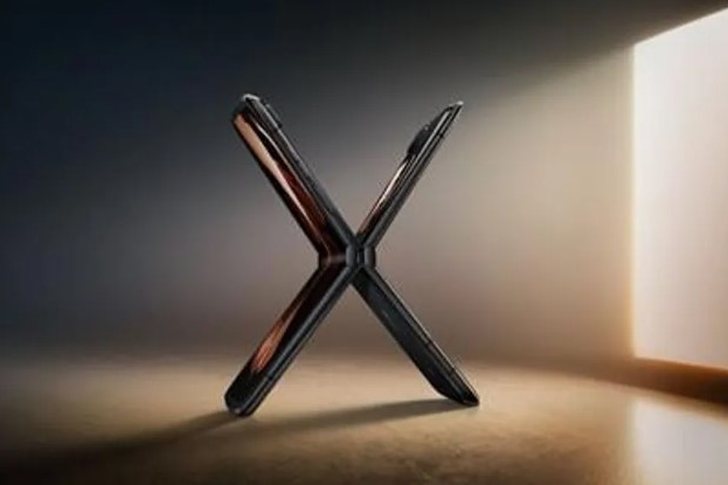
The Motorola Razr is making another comeback. Motorola...

Snapchat has introduced its first parental control cen...

Samsung's most popular foldable phone just got a solid...

Tesla boss Elon Musk has sold a further 7.92m shares i...

Meta has announced new privacy features for WhatsApp u...

Sunglasses with fake designs are not equipped to prote...
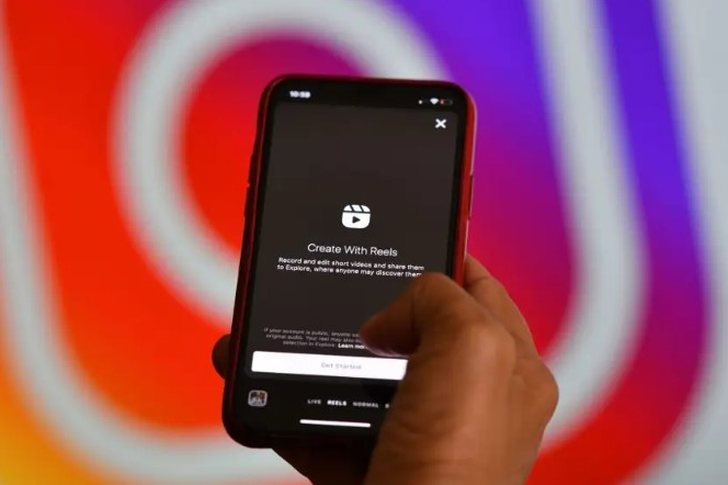
In his weekly Ask Me Anything (AMA), Instagram boss Ad...
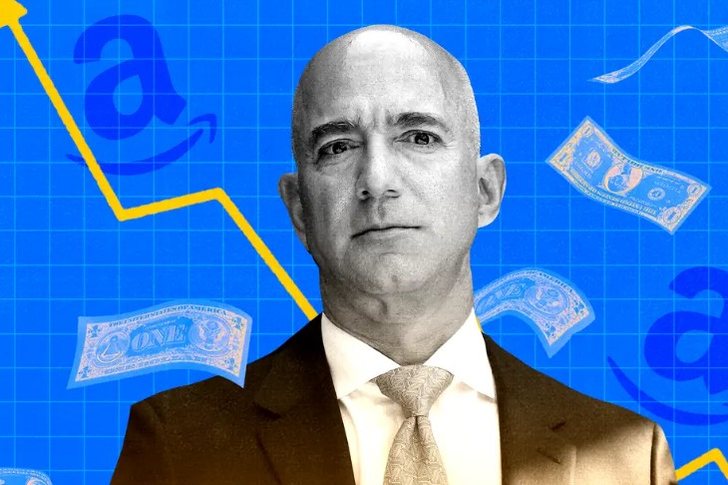
The billionaire founder of Amazon, Jeff Bezos, has bec...

Elon Musk's New York legal team on Friday released its...

iPhone 14 is expected to be launched on the market in ...

Twitter has subpoenaed a number of Elon Musk's associa...
Superbillionaire Elon Musk has revealed that he lives ...

Billionaire Elon Musk is planning to build an airport ...

The Porsche company introduced the latest generation of th...

BMW has pulled all 2022 i4 and iX electric cars from t...

When you add someone to the Contacts app on your iPhon...

Zoom Video Communication experienced an outage and as a re...

Officials of the social network, Instagram, have said that...

CNA has launched another investigation that could lead to ...

Irfan Hysenbelliu is a businessman that we call "Irfan the...

In March 2026, CNA launched another investigation centered...
The arrested mayor of Tirana, Erion Veliaj, with 13 charge...

The Special Board of Appeal (KPA) decided this Monday ...
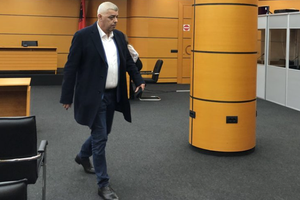
The KPA vetting decided this Thursday to dismiss the p...

Suela Salavaçi, a prosecutor in the Prosecutor's Offic...

The Special Board of Appeal reinstated the prosecutor ...

Footage emerges from the serious accident that occurred th...

A Shkodra traffic police officer was hit with hard objects...

This Wednesday, around 4:00 PM, a serious accident occurre...

Tirana Police have shared details regarding the accident t...

A serious accident that occurred this Wednesday with the c...

The Institute of Geosciences has shared a forecast for wea...

Rising energy and fertilizer prices are expected to contin...

Over 18,000 foreign citizens from 140 countries have appli...

The trial of ousted Venezuelan President Nicolas Maduro on...

US President Donald Trump has issued another warning to Ir...

Prime Minister Andy Burnham has announced that most bus fa...

France's parliament has passed a law to ban social media f...
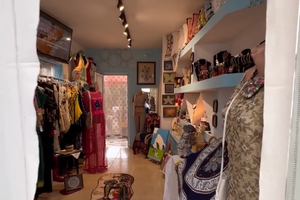
At a time when industrial products are increasingly taking...

Trust among people is not just a three-syllable word. It c...

Master of humor Todi Llupi has passed away at the age of 7...

The ninth edition of "MIK Festival" kicked off with one of...

The price of diesel reached 206 lek per liter from 198 lek...

Businesses will no longer be required to simply register t...

Despite economic growth and income in recent years, Albani...

This Wednesday, one US dollar is bought for 81.4 lek and s...